Getting started
Create a template
Choose a ready-made template in the left panel (Numbers, Arrays, Strings, Queries [L, R], Graphs…) or click “Suggest from statement”, paste the Input section and the sample input.
Check the ranges
The from … to boxes are the problem's constraints. Expressions such as n - 1 are allowed. The preview on the right always shows one generated test and whether it is valid.
Plan the groups
In the Test plan table give each group a number of tests and, if needed, its own ranges (for example n = int(1, 10) for small tests). Tick Brute for groups to compare.
Generate
Enter the task name, choose your reference solution (.cpp, .py, .pas, .sb3 or .exe), optionally a brute-force solution, the output folder and the format, then click Generate.
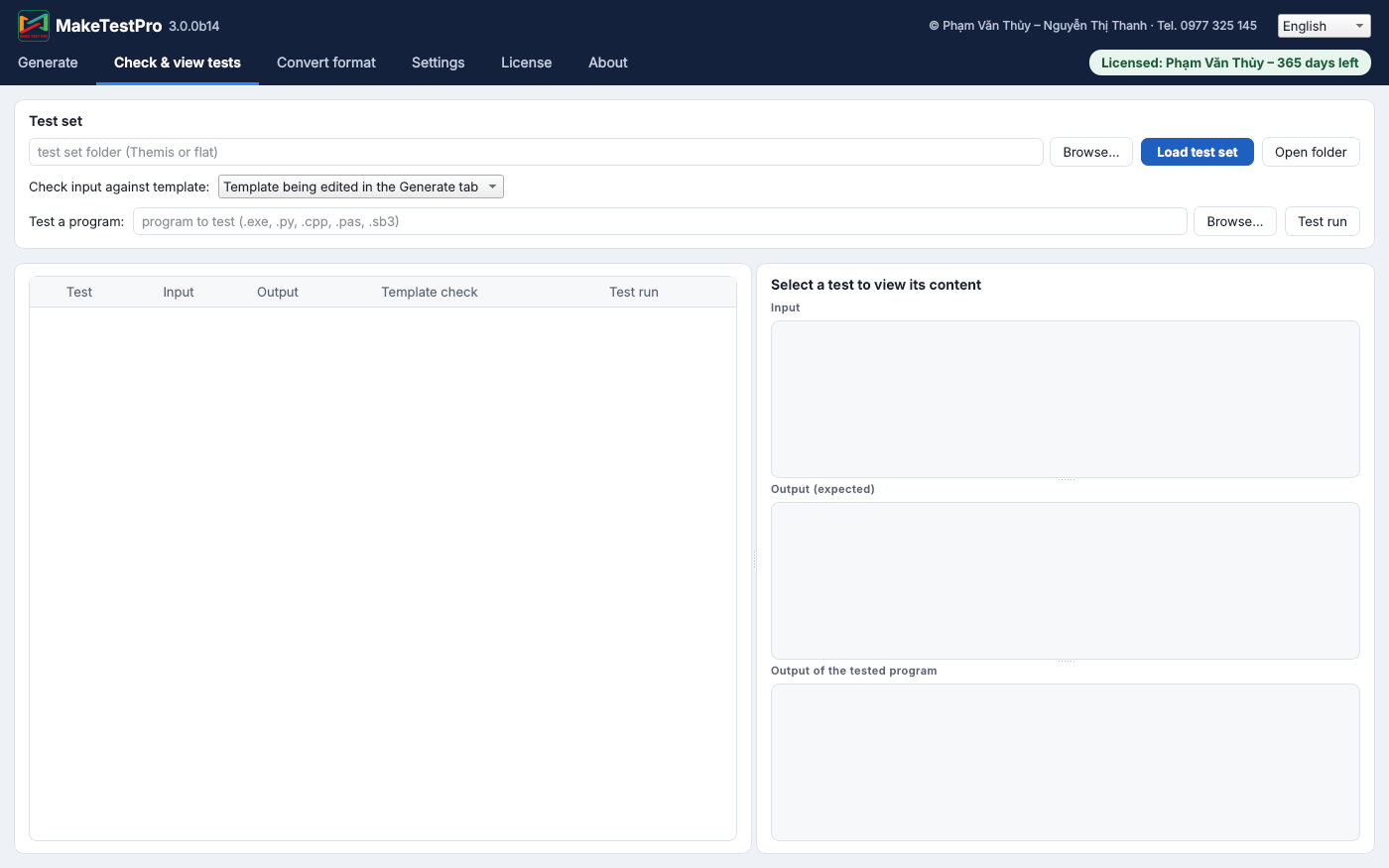
Check existing tests
The Check & view tab validates any test folder against a template and can run a solution on all tests.